
Connect Your Apps
Connecting your apps
How ReviewDesk connects to the App Store and Google Play, what credentials each needs, and how they are stored
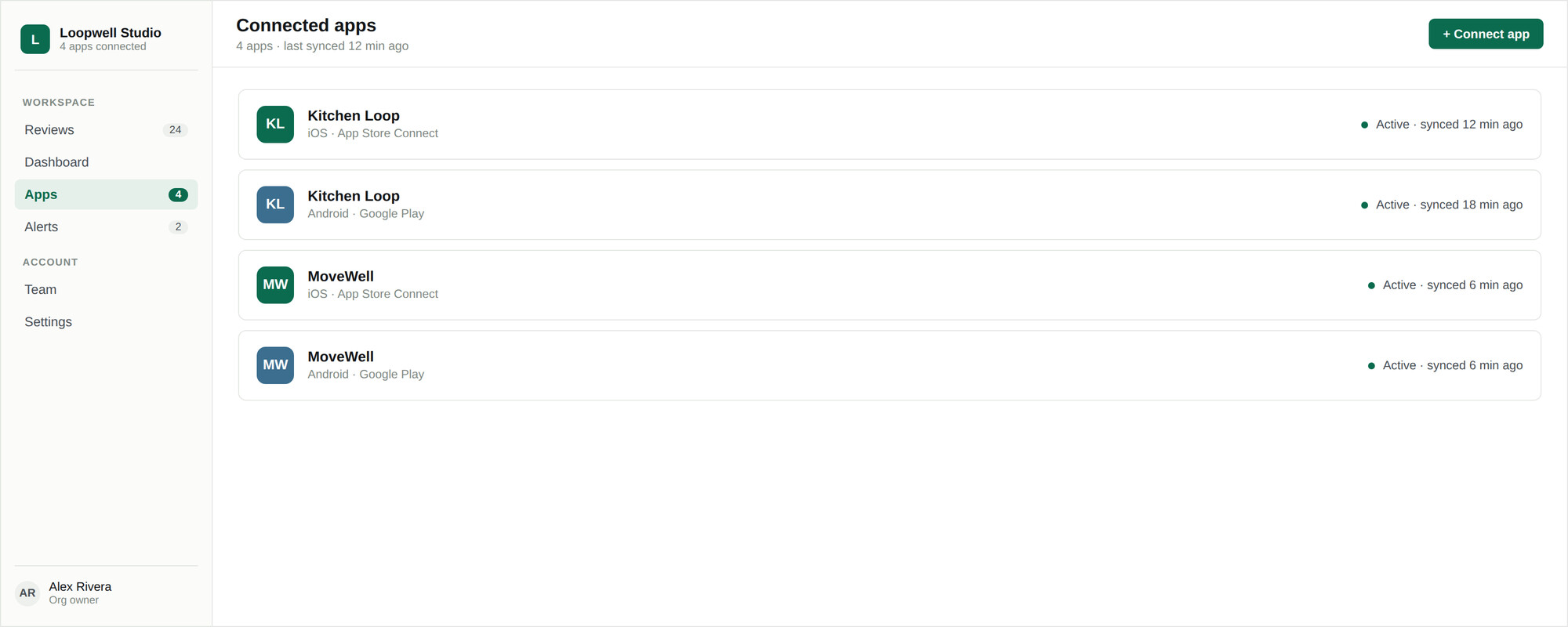
ReviewDesk reads reviews through the official store APIs, using credentials you create in your own developer console and can revoke at any time. Connecting an app is a one-time setup per store account.
Supported stores
| Store | Credential | Bulk discovery |
|---|---|---|
| Apple App Store | .p8 API key, Key ID, Issuer ID | Yes — one key finds every app in the account |
| Google Play | Service account JSON | No — apps are added one at a time by package name |
Accounts
Every app belongs to an account — your label for one App Store Connect team or one Play Console organization. Credentials are stored against the account, so once you have connected the first app for a team, the rest reuse the same key.
Accounts are how the Apps screen groups things, how team members are given access to a batch of apps at once, and how automation rules can target one client without touching the others. Agencies typically use one account per client.
How credentials are stored
- Encrypted at rest, and never displayed back to you once saved
- Redacted out of error messages, so a failed connection cannot leak key material into a log
- Replaceable at any time — leave the credential fields blank when editing an app to keep the existing ones
- Revocable from your own console, which immediately stops ReviewDesk syncing that account