
Automation
Auto-reply automation rules
Not one "reply to everything" switch — scoped rulesets with graduated trust levels you raise as confidence grows
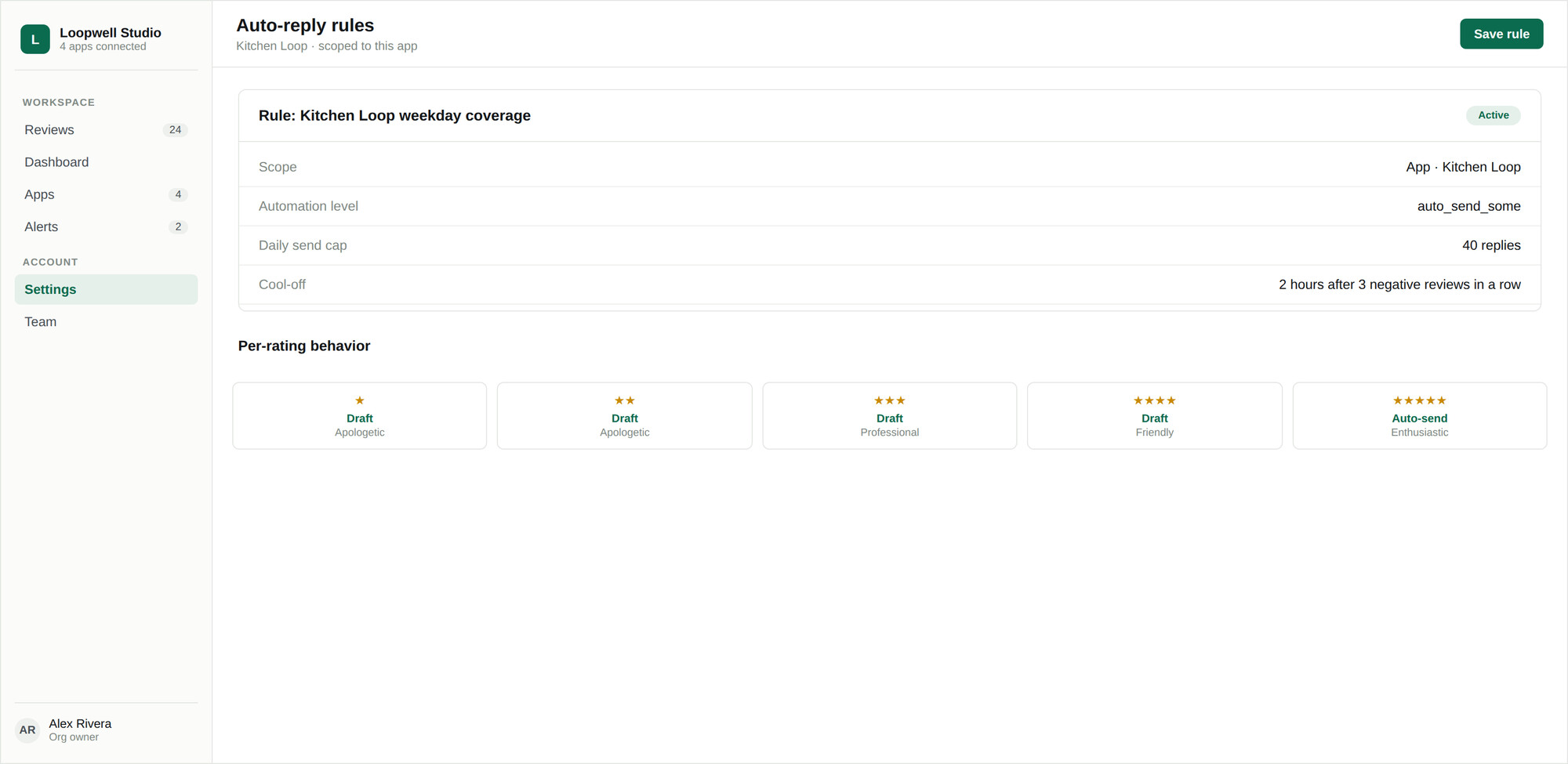
Rules live in Settings → Replies → Auto replies. Each rule answers four questions: which apps it covers, how much it is trusted to do, which reviews it applies to, and what voice it writes in.
Automation levels
| Level | Behaviour |
|---|---|
| Draft only | Every matching review gets an AI draft. A human reads it and presses send. |
| Auto-send some | Replies matching your filter are sent automatically; everything else is left as a draft. |
| Auto-send all | Every reply matching the rule is sent without review. |
Which reviews a rule covers
| Filter | Effect |
|---|---|
| All reviews | Everything in scope. |
| Positive only | Only reviews at or above a minimum rating you choose. The usual starting point for automation. |
| Per rating | A decision for each star level independently — skip, draft, or send. The most precise option. |
Tone strategy
- Use default — the organization tone from Settings → AI
- Override — one tone for everything this rule handles
- Per rating — a different tone for each star level, so one-star reviews get an apologetic reply and five-star reviews an enthusiastic one
The builder renders a live sample reply for each active tone, so you can hear the rule before you save it.
Creating a rule
- 01Open Settings → Replies → Auto replies and click Create a rule.
- 02Choose the scope — organization, account, or a single app. See Scopes and precedence.
- 03Choose the automation level.
- 04Choose which reviews it covers.
- 05Choose the tone strategy.
- 06Set the safety rails. See Safety rails and limits.
- 07Read the confirmation summary, then save.
Pausing everything
A Pause all auto-replies switch sits above the rule list. It stops every rule across the organization at once without editing or deleting any of them — the control to reach for if something looks wrong and you want it to stop now.
Always-on behaviour
Two things apply regardless of how a rule is configured. Five-star reviews with almost no text — under 20 characters, the "great app!" case — are never auto-replied to. And no organization can auto-send more than 500 replies in 24 hours. Both are covered in Safety rails and limits.